Back to Blog
Merge PDF•January 14, 2026•By Sarah Jenkins
The Ultimate Guide to Merging PDF Files Online
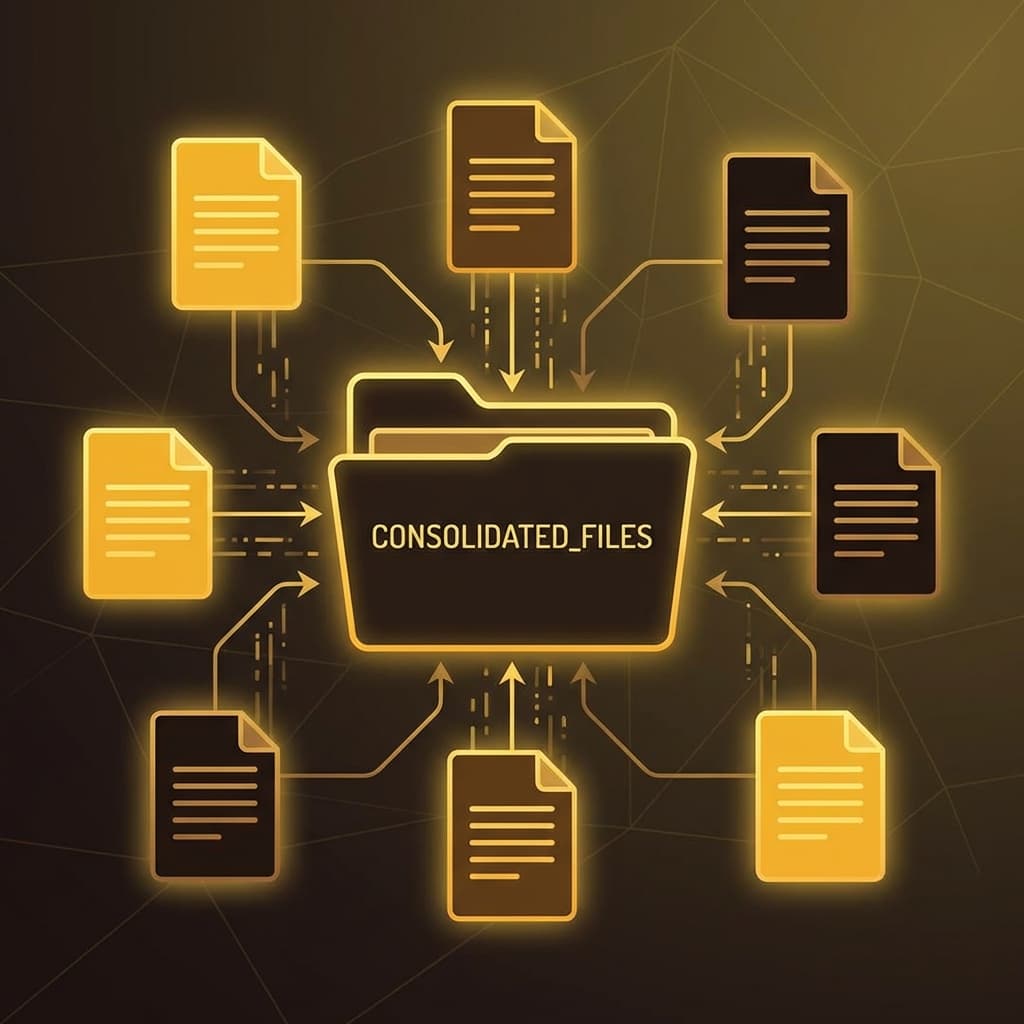
Dealing with scattered PDF files can be a nightmare. You have a cover letter in one file, your resume in another, and your portfolio in a third. sending these as separate attachments is messy and unprofessional. Enter the solution: PDF Merging. In this article, we explore why merging PDFs is essential and how iloveipdf makes it a breeze.
When Should You Merge PDFs?
Merging is essential in various scenarios:
- Business Reports: Combine quarterly analysis, financial sheets, and departmental updates into a single comprehensive report.
- Job Applications: Recruiters prefer a single document containing your resume, cover letter, and references.
- Legal Documents: Keep contracts, appendices, and scanned evidences together to avoid losing critical pages.
How to Merge with iloveipdf
Our Merge PDF tool is designed for speed and simplicity:
- Go to the Merge PDF page.
- Select the PDF files you want to combine. You can upload them from your computer or mobile device.
- Reorder with Ease: Drag and drop the file thumbnails to arrange them in the correct sequence. The first file converts to the start of the document.
- Click Merge PDF. The tool stitches the documents together seamlessly.
- Download your unified file instantly.
Why iloveipdf is the Best Choice
Unlike desktop software that can be expensive and heavy on system resources, iloveipdf runs entirely in your browser. This means:
- No Installation: Save your disk space.
- Cross-Platform: Works on Windows, Mac, Linux, Android, and iOS.
- Secure Processing: We prioritize your data privacy by processing files client-side whenever possible.
Get your digital life organized today. precise, fast, and secure—that's the iloveipdf promise.